

TL;DR
- 24/7 IT support keeps systems running, reduces downtime costs, and protects customer trust.
- It combines monitoring, staffed response, and escalation workflows to fix incidents fast.
- Implement SLAs, on-call rotations, and automated alerts to get the most from round-the-clock IT assistance.

What you need to know
The importance of 24/7 IT support lies in continuous availability: your servers, applications, and users can experience faults at any hour, and delays in response translate directly to lost revenue, frustrated customers, and operational risk. For companies that sell online, handle real-time data, or support remote teams across time zones, a night outage can cost tens of thousands of dollars in a single hour or damage reputation that takes weeks to repair.
24/7 IT support is not just about having people available; it combines three core concepts: proactive monitoring that detects anomalies, defined incident response procedures that reduce mean time to repair, and a clear escalation path to senior engineers or vendors. Together, these elements form a dependable safety net that keeps business processes moving when normal control points fail, which is essential in the context of IT and cybersecurity solutions.
For readers evaluating support options, consider response patterns rather than promises alone: ask whether a provider offers 24/7 monitoring, guaranteed response windows for critical incidents, and a documented playbook for common failures such as network outages, database corruption, or cyber incidents. These practical checks expose real capability quickly and align with the cybersecurity measures your business should implement.
"Fast detection without fast response still equals downtime."
How it works
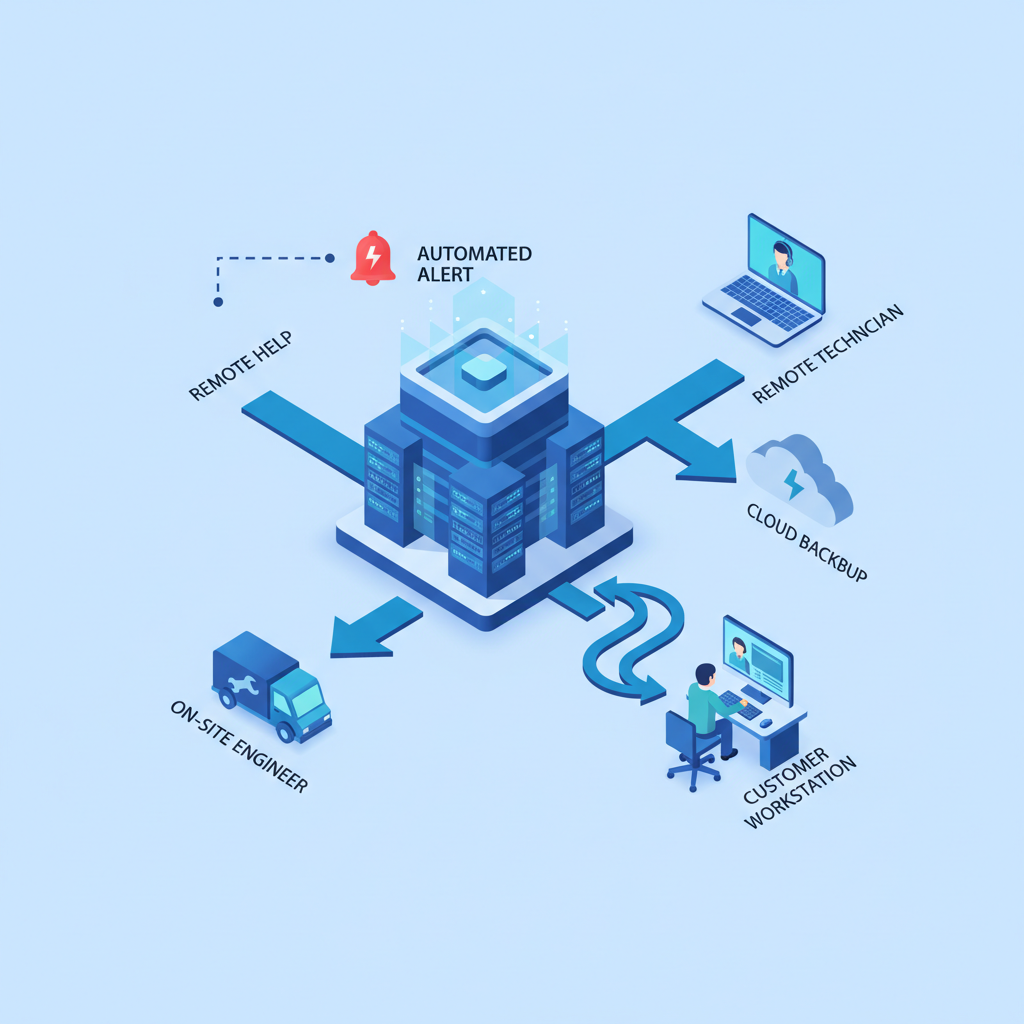
This section explains the typical process that turns alerts into resolved incidents. First, monitoring tools run continuously: log collectors, synthetic transactions, and infrastructure metrics watch for thresholds and error signals. When a rule trips, an alert is created and routed to the on-call team through multiple channels: SMS, mobile push, email, or a dedicated incident console.
Next comes initial triage. An on-call technician verifies the alert, checks the system health dashboard, and either applies a documented fix or escalates. A simple example: if a web server exceeds CPU thresholds, the technician may restart a service, throttle a background job, or fail traffic to a healthy instance. If the issue affects multiple systems or involves data corruption, the technician escalates to an incident lead and follows a recovery checklist.
Escalation rules should be explicit: who to call at 15 minutes, 30 minutes, and one hour; which vendors to involve; and when to declare a major incident. Communication practices also matter: stakeholders should get timely status updates every 15–30 minutes during high-impact incidents, and a post-incident report should follow within 48–72 hours.
Operational design often includes redundancy and automation to reduce human load: automated restart scripts, self-healing load balancers, and runbooks that automate common recovery steps. These tools make round-the-clock IT assistance more efficient by preventing repetitive manual work and freeing engineers to focus on novel issues.
Best practices
Adopt clear service tiers and SLAs that match business impact: define what qualifies as acritical (business-stopping), high, medium, or low incident and attach response targets. For example, treat payment failures as critical with a one-hour response target; treat a single non-production server alert as low with a 24-hour window. Concrete thresholds help both internal teams and vendors prioritize correctly.
Maintain an on-call schedule with balanced rotations so staff don't burn out. Use a handover checklist for shift changes that includes open incidents, temporary workarounds, and pending escalations. Also invest in runbooks for the top 10 incident types; each runbook should list steps, required access, and rollback rules.
Common mistakes include relying solely on email alerts, failing to test the on-call process under load, and not updating runbooks after an incident. Another frequent error is conflating monitoring noise with true incidents; tune alert thresholds to reduce false positives and ensure on-call time is spent on real problems.
"A documented playbook beats heroic firefighting every time."
FAQ
What is why is 24/7 it support important for businesses??
The importance of 24/7 IT support is continuous protection against unplanned outages, security events, and user-impacting failures by providing immediate detection, timely response, and escalation to restore services fast. For more on this, see Importance of cybersecurity.
How does why is 24/7 it support important for businesses? work?
It works by combining constant monitoring, an on-call team that follows triage and escalation procedures, automation to handle routine recoveries, and post-incident reviews to prevent recurrence.