

TL;DR
- Prevent ransomware nj ny starts with inventory, MFA, and backups—prioritize measurable wins first.
- Deploy EDR across endpoints, enforce MFA for admin and remote access, and automate patching.
- Train staff with targeted phishing simulations and measure reduction in click rates.
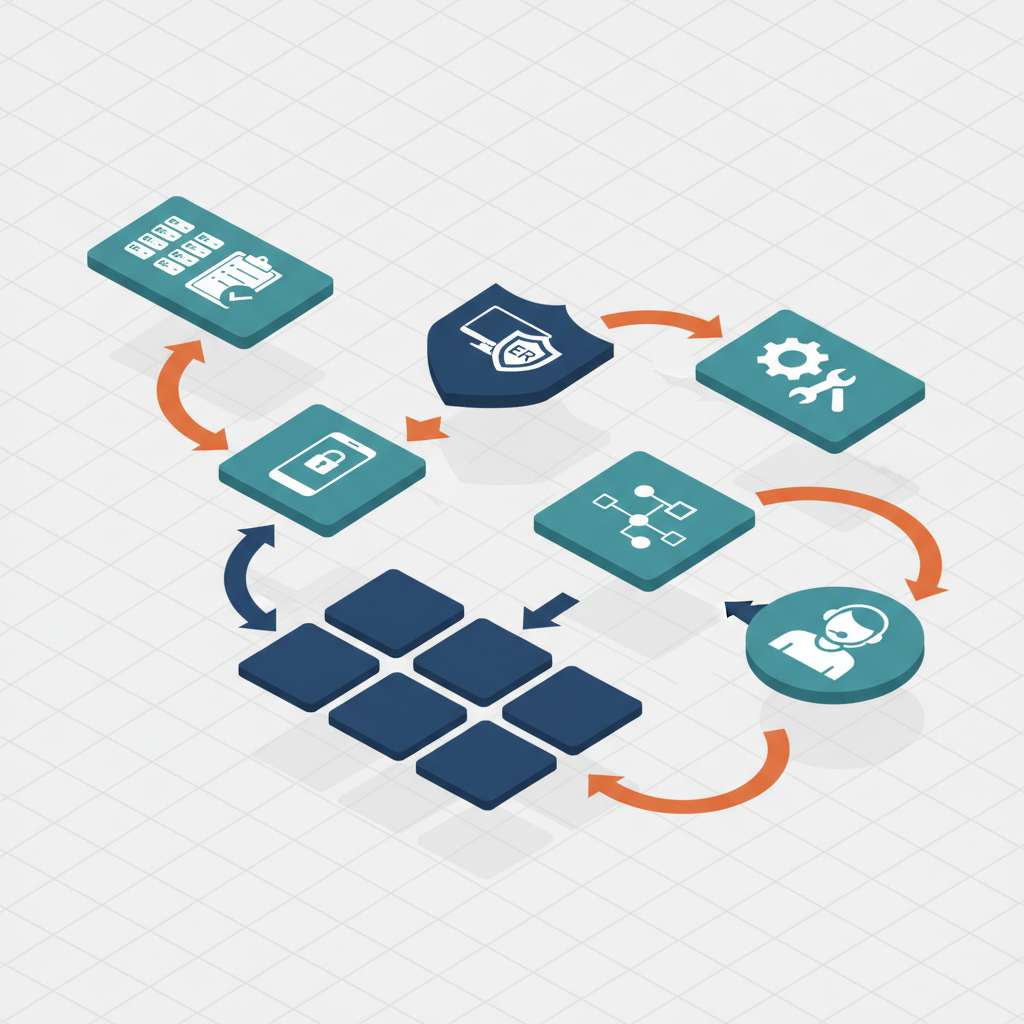
- Use a 30/60/90 roadmap: inventory + MFA, EDR + patch cadence, segmentation + tabletop exercises.
- MSP/MSSP-managed controls accelerate detection and response with 24/7 monitoring and SIEM tuning.

Introduction — why prevention is the most cost-effective strategy
To prevent ransomware nj ny you must treat ransomware like a business risk: identify where attackers can enter, close those doors, and prepare to recover quickly if they still get in. The first 100 words: prevent ransomware nj ny means reducing attack surface, hardening identity, and ensuring recoverable backups. That combination lowers the chance of a costly outage and reduces negotiation pressure if encryption occurs.
A single disrupted business day can cost tens of thousands for a small-to-medium business in New Jersey or New York when you add recovery, lost billable hours, and regulatory reporting. Concrete examples: a law firm that enforces MFA and immutable backups often restores within hours; a medical billing company that skipped patching had a multi-week outage. This article gives step-by-step controls, thresholds, and a prioritized 30/60/90 roadmap tailored for NJ & NY SMBs and for teams building or maintaining sites and infrastructure.
Who this is NOT for
This roadmap is not for organizations that already operate mature, enterprise-scale security programs with dedicated SOCs and in-house threat hunting. It is not for one-off hobby projects without business data. It is not for companies that cannot fund basic remediation: inventory, MFA, and backups must be feasible before advanced controls. If you have regulatory requirements that mandate specific controls, use this as a complement to, not a replacement for, your compliance program.
Assessing your attack surface — inventory, critical assets, and exposure
If you can't list your assets and exposures, you can't prioritize. Start with a simple inventory: endpoints (workstations, servers, mobile), SaaS apps, on-prem systems, backup targets, and network devices. Use an automated asset discovery tool where possible, and supplement with manual verification.
Actionable checklist (copyable):
| Step | Artifact | Target |
|---|---|---|
| 1. Run network and AD discovery | Inventory CSV | All active hosts |
| 2. Classify assets | Criticality tag (P0/P1/P2) | Identify top 10 critical |
| 3. Map remote access | Access matrix | List privileged accounts |
| 4. Backup mapping | Backup inventory | Ensure recoverability |
Define critical assets: those that, when unavailable, stop revenue or compliance (billing servers, payroll systems, EHR). For each critical asset, record owner, location, dependencies, and recovery point objective (RPO) and recovery time objective (RTO). Practical threshold: for transactional systems target RTO < 4 hours and RPO < 1 hour where possible; for low-risk systems RTO < 24 hours.
Local note for NJ & NY: many regulated entities (healthcare, finance, legal) must document controls for audits. Keep your inventory as an auditable artifact. Consider listing local vendors for penetration testing and tabletop facilitation in your audit evidence.
Technical controls that matter (ranked)
Not all controls produce equal risk reduction. Rank by effort-to-impact for SMBs in NJ & NY: 1) identity controls (MFA, least privilege), 2) endpoint detection and response, 3) backup and recoverability, 4) patch management, 5) network segmentation, 6) monitoring and log retention. Use this ranking to prioritize budget and execution.
Decision rule example: if you have to pick one investment with fixed budget, choose MFA for all administrative and remote-access accounts first, then EDR deployment to critical endpoints, then immutable backups. That rule reduces initial blast radius and gives time to automate patching.
Identity and recoverability together convert a ransomware incident into a recoverable outage.
Checklist for prioritization:
- Immediate (week 1–4): inventory, MFA for admins, enable backups.
- Near term (month 1–3): deploy EDR across 80–90% endpoints, schedule patch cadence.
- Medium term (month 3–6): network segmentation, SIEM tuning, automated failover tests.
Concrete thresholds: target EDR coverage to 90% of managed endpoints, keep patch backlog under 7 days for critical CVEs, and retain logs for 90 days minimum for investigation. These thresholds align with common guidance from NIST and CISA (see References).
Endpoint Detection & Response (EDR) — selection and deployment tips
When choosing edr for small business, prioritize detection quality, telemetry retention, and low false positives. For SMBs, managed EDR that includes 24/7 alert triage often produces faster ROI than self-managed tools. Selection criteria: telemetry depth (process, network, file), rollback/containment features, IIS/Office macro protections, and support for both Windows and macOS.
Deployment tips: start with a pilot of high-risk users and servers, tune policies to suppress noisy rules, then roll out organization-wide. Target rollout milestones: pilot in week 1–2, roll to 50% by week 4, and to 90% by week 8. When evaluating vendors, ask about integration with your SIEM and whether the provider offers managed response.
Multi-factor authentication (MFA) — where to enforce it first
For mfa for ransomware prevention enforce MFA first on all administrative accounts, remote access (VPN, RDP, SSH), and SaaS admin consoles (G Suite / Microsoft 365). Next enforce MFA for high-privilege users: finance, HR, and anyone with access to backups. Use hardware tokens or app-based authenticators over SMS when possible.
Practical rollout: require MFA for admins immediately (day 1–7), then for all remote access and SaaS admins in weeks 2–4, then enforce for all users within 60 days. Measure success by percentage of accounts with MFA enabled — aim for 100% for admins and 90%+ for all staff within 90 days.
Patch and vulnerability management — cadence and automation
Adopt patch management best practices by grouping systems into classes: critical servers, user endpoints, network appliances, and third-party apps. For critical servers and appliances implement a weekly patch window; for endpoints use automated patching with a 7–14 day testing window. Use vulnerability scanning monthly and prioritize by CVSS score and exposure.
Automation tips: use centralized patch tools or MDM for endpoints, enable automatic updates for supported software, and hold exceptions in a tracked risk register. Decision rule: patch all CVE-9/10 (or vendor-critical) within 72 hours; schedule CVE-7/8 within 7 days; lower-risk items within 30 days.
Network segmentation & least privilege
Network segmentation reduces lateral movement. For small environments, logical segmentation via VLANs and firewall rules is typically faster than building new physical networks. Segment the user VLAN from server VLANs and isolate backup targets on a dedicated, restricted segment.
Least privilege: restrict administrative access using jump boxes and ephemeral admin accounts. Use role-based access control for SaaS and on-prem systems and periodically review membership of privileged groups. Practical artifact: a simple access matrix showing which roles can reach which network segments and systems; review quarterly.
People and process — security awareness training and phishing simulations
Human error remains the most common initial access vector. A structured security awareness program reduces phishing click rates and improves reporting of suspicious activity. For NJ & NY SMBs, integrate security awareness training nj into onboarding and quarterly refreshers. Training topics: phishing recognition, MFA use, secure remote work, and incident reporting procedures.
Phishing simulation program steps:
- Baseline test to measure initial click rate and reporting rate.
- Targeted training for high-risk groups (finance, HR, execs).
- Repeat simulations every 30–60 days and measure progress.
Target metric: reduce phishing click rate to <5% within six months for the organization. Track both click rate and report-to-click ratio; a rising report ratio with lower clicks shows better awareness.
Reduce human risk by measuring training outcomes, not just completion rates.
Implementing zero-trust principles for small environments
Zero trust for smbs means assume no implicit trust for network location or device. Start small: require device health checks before granting access, enforce MFA, and use per-application access control. For web and API access use short-lived tokens and conditional access policies.
Step-by-step for a small environment:
- Inventory identity providers and enable conditional access for high-risk apps.
- Apply device posture checks (patched, EDR present) before access is allowed.
- Use micro-segmentation or application proxies for critical apps.
Example: require device compliance plus MFA for payroll application access and block direct database connections from user networks. For many SMBs, implementing zero-trust incrementally produces measurable reductions in exposure without a large upfront cost.
How an MSP/MSSP can accelerate prevention — managed EDR, SIEM tuning, 24/7 monitoring
An MSP/MSSP can speed deployment and maintenance of controls by combining technician bandwidth with senior-engineer oversight and 24/7 monitoring. For businesses lacking a full security team, managed EDR and SIEM tuning provide rapid threat detection and prioritized alerts. Eighty Seven Solutions offers managed IT and cybersecurity services including 24/7 monitoring, senior-engineer-led support, and enterprise-grade backup/disaster recovery that tie directly into this prevention roadmap.
Practical ways an MSP/MSSP helps:
- Faster EDR rollout with policy tuning to reduce false positives.
- SIEM tuning to surface prioritized incidents and reduce alert fatigue.
- On-call incident response and tabletop exercises to validate runbooks.
Example engagement: a seven-employee professional services firm engaged a managed provider to deploy EDR, configure conditional access, and run a phishing program; the provider reduced the client’s mean time to detect from weeks to hours and produced audit-ready documentation for regulators.
Quick-start roadmap for 30/60/90 days with budget ranges
Quotable roadmap: "30 days: inventory + MFA rollout; 60 days: EDR deployment + patch cadence; 90 days: segmentation + tabletop exercise." Use this exact phrasing in executive summaries.
| Timeline | Primary actions | Example budget range (USD) |
|---|---|---|
| 30 days | Asset inventory, MFA for admins, enable backups | $2,000–$6,000 (tools + staff time) |
| 60 days | Deploy EDR to 80–90% endpoints, start automated patching | $5,000–$20,000 (licenses + deployment) |
| 90 days | Network segmentation, tabletop exercise, SIEM tuning | $5,000–$25,000 (segmentation work + consulting) |
Budget guidance: SMB budgets vary — a DIY path lowers licensing costs but raises staff hours. A managed approach increases predictable monthly spend but reduces internal overhead and speeds outcomes. For many NJ & NY SMBs, a blended model (managed detection + internal patching) hits the best cost/performance tradeoff.
Metrics & reporting — how to measure improvement
Define a small set of measurable KPIs and report them monthly. Example KPI dashboard items:
- EDR deployment coverage (% of managed endpoints) — target 90%+
- Phishing click rate — target <5% at six months
- Time to patch critical vulnerabilities (median days) — target <7 days
- Number of detected intrusion attempts and time to containment — target MTTR <4 hours
- Backup test success rate — target 100% for critical systems in quarterly tests
Reporting artifacts: monthly security scorecard, quarterly tabletop exercise report, and an incident runbook with post-incident review. Use these artifacts for board reports and regulatory audits. For NJ & NY regulated entities, attach inventory and retention logs to audit evidence.
Conclusion & next actions (offer free assessment)
To prevent ransomware nj ny, prioritize identity controls, EDR coverage, recoverable backups, and staff training. Begin with the 30/60/90 roadmap: inventory + MFA, EDR + patch cadence, segmentation + tabletop exercise. Target metrics include EDR coverage of 90% of endpoints and phishing click rate below 5% within six months.
Next actions: run an inventory, enable MFA for admins, and schedule an EDR pilot. If you want assistance implementing these controls or building an auditable security program, review our services or request a consultation via the contact pages. For a demo and to see managed EDR and 24/7 monitoring in action, visit our services demo page. To connect directly use the company contact pages: contact us, contact us, or contact us.
FAQ
What does it mean to prevent ransomware?
To prevent ransomware means to reduce the likelihood of initial compromise, limit an attacker’s ability to move and encrypt systems, and ensure rapid, reliable recovery of data without paying a ransom.
How do you prevent ransomware?
You prevent ransomware by combining identity controls (MFA, least privilege), broad endpoint detection and response coverage, automated patch management, immutable backups, network segmentation, and ongoing security awareness training.
References
- #StopRansomware Guide — CISA
- Getting Started with Cybersecurity Risk (Ransomware Quick Start) — NIST
- What is Microsoft Defender for Business? — Microsoft Learn
- Combatting Ransomware — Center for Internet Security
- Cybersecurity resources — New York Office of Information Technology Services