

TL;DR
- Managed IT services are outsourced IT support and operations that handle day-to-day technology tasks for businesses.
- They include monitoring, security, backups, help desk, and vendor coordination—usually for a fixed monthly fee.
- Use a clear onboarding checklist and measurable SLAs to evaluate providers.

What you need to know — what are managed IT services
What are managed IT services refers to a model where an external provider runs specific IT functions on behalf of an organization. You get continuous monitoring, routine maintenance, security updates, and user support without hiring a full in-house team. For small and mid-sized businesses, this converts unpredictable IT effort into a predictable monthly cost.
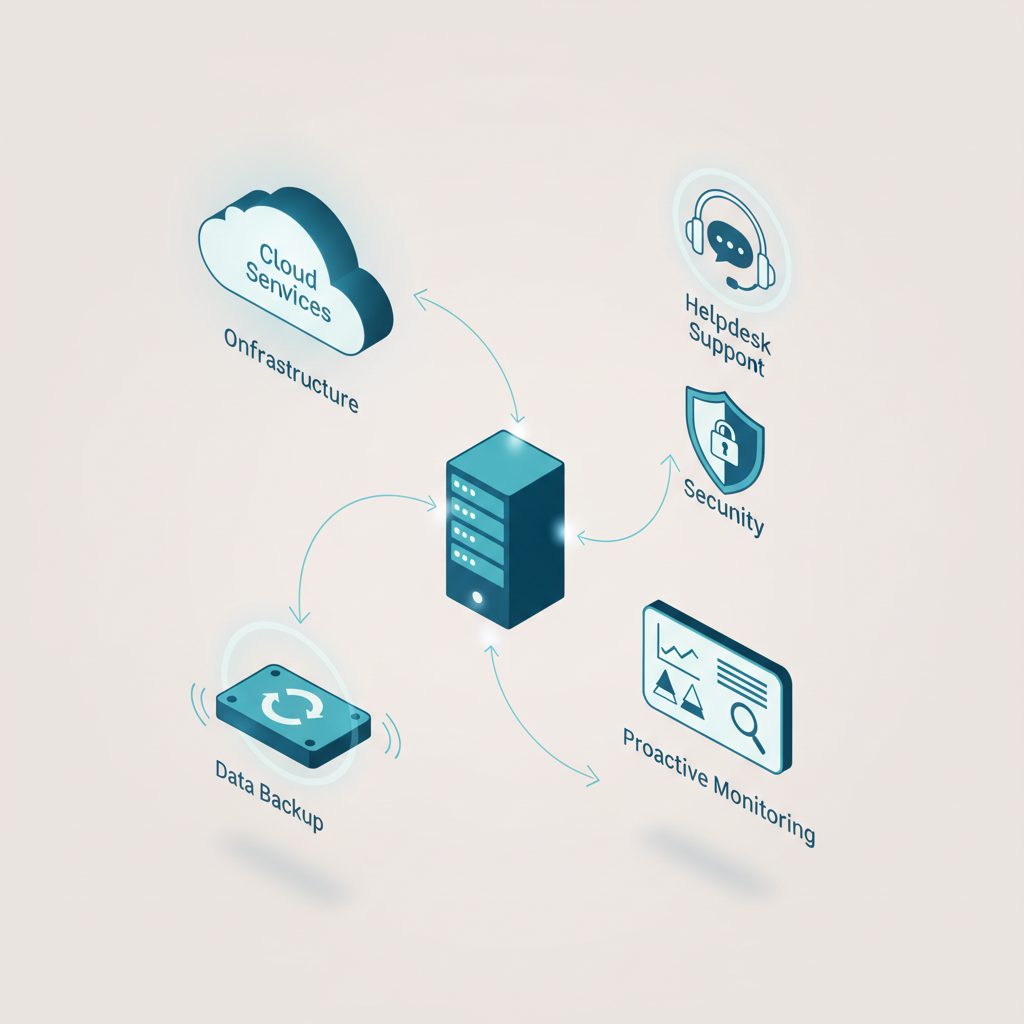
Managed services explained plainly: think of a managed service provider (MSP) as a remote IT department that focuses on keeping systems available and secure. Core responsibilities typically include server and network monitoring, patch management, endpoint protection, backup and disaster recovery, and a help desk for employees.
Why this matters: downtime and security incidents create direct revenue loss and customer frustration. An MSP reduces that risk by standardizing procedures, automating routine work, and tracking issues with ticketing systems.
Outsource routine IT tasks to measure reliability, not to avoid measuring it.
Common engagement models vary. You’ll see flat monthly plans for a defined scope, per-device or per-user pricing, and hybrid models where the client retains strategic control while outsourcing operations. Costs depend on the number of users, device types, and services covered. For more on this, see Our services.
Quotable: "A managed provider turns reactive firefighting into scheduled maintenance and measurable outcomes."
How it works
This section explains the typical process and a step-by-step flow you can expect when you hire an MSP. The goal is to show how daily operations, escalation, and improvement cycles fit together so you know what to require in a contract.
Process overview
An MSP runs three parallel activities: continuous monitoring, scheduled maintenance, and user support. Monitoring uses agents and cloud dashboards to flag failures or unusual activity. Maintenance covers patching, firmware updates, and routine audits. Support handles user tickets, onboarding, and device provisioning.
Step-by-step engagement
- Discovery and inventory: The provider catalogs devices, software, and network assets.
- Baseline and risk assessment: They identify high-risk systems and recommend immediate fixes.
- Onboarding and configuration: Monitoring agents are deployed, backup policies set, and access controls established.
- Ongoing operations: Daily monitoring, weekly patch cycles, monthly security reviews, and continuous help-desk support.
- Reporting and improvement: Monthly reports show ticket trends, uptime, and security events; recommendations follow for optimization.
Decision rule example: choose a provider that offers automated backups with at least one verified restore per quarter and monthly security reports that list open vulnerabilities and remediation timelines.
Choose providers that prove recovery works by restoring test backups on a scheduled cadence.
Quotable: "A good MSP reports the problem, fixes it, and shows proof that the fix worked."
Best practices
This section gives practical tips and common mistakes to avoid when evaluating or working with managed IT services. Follow these to get consistent results and avoid surprises.
Tips for success
- Define scope clearly: list included systems, response expectations, and excluded tasks.
- Require measurable SLAs: use uptime percentages, ticket response times, and backup verification frequency.
- Keep ownership of credentials and approvals: the provider needs access, but you must retain administrative control.
- Insist on regular reporting: dashboards and monthly summaries show whether the relationship delivers value.
- Plan regular reviews: a quarterly technology roadmap meeting prevents drift and surprises.
Common mistakes to avoid
- Buying the cheapest plan without checking what’s excluded—hardware replacement or cloud licensing often costs extra.
- Failing to require backup restores—backups that can’t be restored are useless.
- Not setting escalation paths—define who to contact when incidents exceed the provider’s remit.
- Merging strategic and operational roles—keep vendor-neutral strategic decisions in-house or with a trusted advisor.
Use this simple evaluation checklist when comparing providers:
- Does the provider monitor 24/7 and provide real-time alerts?
- Are backups automated, encrypted, and tested quarterly?
- Is there a documented incident escalation procedure?
- Are response and resolution SLAs written in the contract?
- Does the provider supply monthly performance reports?
The term managed services explained becomes practical when you map each promise to a verification step on this checklist.
FAQ
What is what are managed it services? your questions answered?
Managed IT services are ongoing outsourced IT operations where a third-party provider delivers monitoring, security, maintenance, backups, and help-desk support to manage an organization’s technology environment.
How does what are managed it services? your questions answered work?
An organization signs an agreement with an MSP that defines scope, pricing, and SLAs; the MSP performs discovery, deploys tools, and then runs daily operations while reporting outcomes and resolving incidents according to the contract.
Quotable: "Treat managed IT as a service contract with measurable outcomes, not an open-ended promise."