
Introduction — why MFA belongs at the top of a ransomware prevention roadmap
You run a small or midsize business in New Jersey or New York and one successful stolen credential can shut you down for days. Attackers still rely on password reuse, credential stuffing, and phishing to gain initial access; once inside, they escalate privileges and move laterally until they deploy ransomware. The obvious pain: interrupted revenue, lost client trust, and regulatory headaches under NY and NJ breach-notification rules. The solution you can act on today is multi-factor authentication.
Quick answer
Multi-factor authentication (MFA) requires two or more proofs of identity and is a top-priority control to limit credential abuse that enables ransomware. Deploy MFA for all user accounts, protect admin and service accounts, and apply conditional access rules to reduce exposure. For more on this, see Ransomware preparedness nj ny.
Quotable: "Multi-factor authentication (MFA) requires two or more proofs of identity and is a top-priority control to limit credential abuse that enables ransomware."
When this guide is NOT for you
This checklist is not for organizations that already enforce hardware-based MFA for every identity and every protocol, or for teams building a custom authentication system from scratch. It also does not cover physical access controls or full zero-trust microsegmentation projects. If your environment is purely offline with no remote access, many items won’t apply.
How credential attacks enable ransomware (H3: common attack paths, H3: phishing and lateral movement)
Credential attacks start simple: an employee clicks a phishing link or reuses a password from a breached site. Attackers harvest those credentials and try them across cloud apps, VPNs, and remote desktop services. Common attack paths include compromised email accounts (used to reset other passwords), exposed RDP endpoints, and unmonitored service accounts with static credentials.
Phishing remains the top vector—attackers craft believable messages to capture credentials or push multi-stage payloads. After initial access they perform credential harvesting and lateral movement: extracting cached credentials, abusing weak Kerberos or NTLM configurations, and escalating privileges to domain admin. For SMBs in NJ and NY this sequence often ends with ransomware encrypting file shares and backups.
Actionable takeaway: map every path where usernames and passwords can be used remotely (cloud consoles, VPNs, RDP, email, SaaS admin consoles) and mark them as high priority for MFA protection.
How MFA reduces ransomware risk (H3: threat scenarios MFA blocks, H3: limitations to be aware of)
MFA blocks many common threat scenarios by adding a second barrier: stolen passwords alone won’t grant access without the second factor. MFA prevents credential-stuffing against cloud apps, stops many phishing-based account takeovers, and can interrupt automated brute-force attacks. For example, if an attacker has a reused password for an employee email, an app-based authenticator or hardware key stops immediate access.
Limitations: not all MFA methods stop every attack. SMS-based codes can be intercepted or SIM-swapped; some phishing kits forward TOTP codes in real time. Passwordless MFA (for example, FIDO2 hardware keys) and phishing-resistant authenticators provide stronger defenses. Also, MFA does not replace patched systems, endpoint detection, or backups—it's one strong layer among several.
Phishing-resistant authenticators (hardware or FIDO2) reduce account takeover risk more than SMS or email codes.

Quotable: "Passwordless MFA using phishing-resistant authenticators reduces account takeover risk more than SMS or email codes."
MFA implementation checklist (H3: discovery & identity inventory, H3: choose methods — app-based, hardware keys, biometrics, H3: service accounts & admin accounts, H3: conditional access policies)
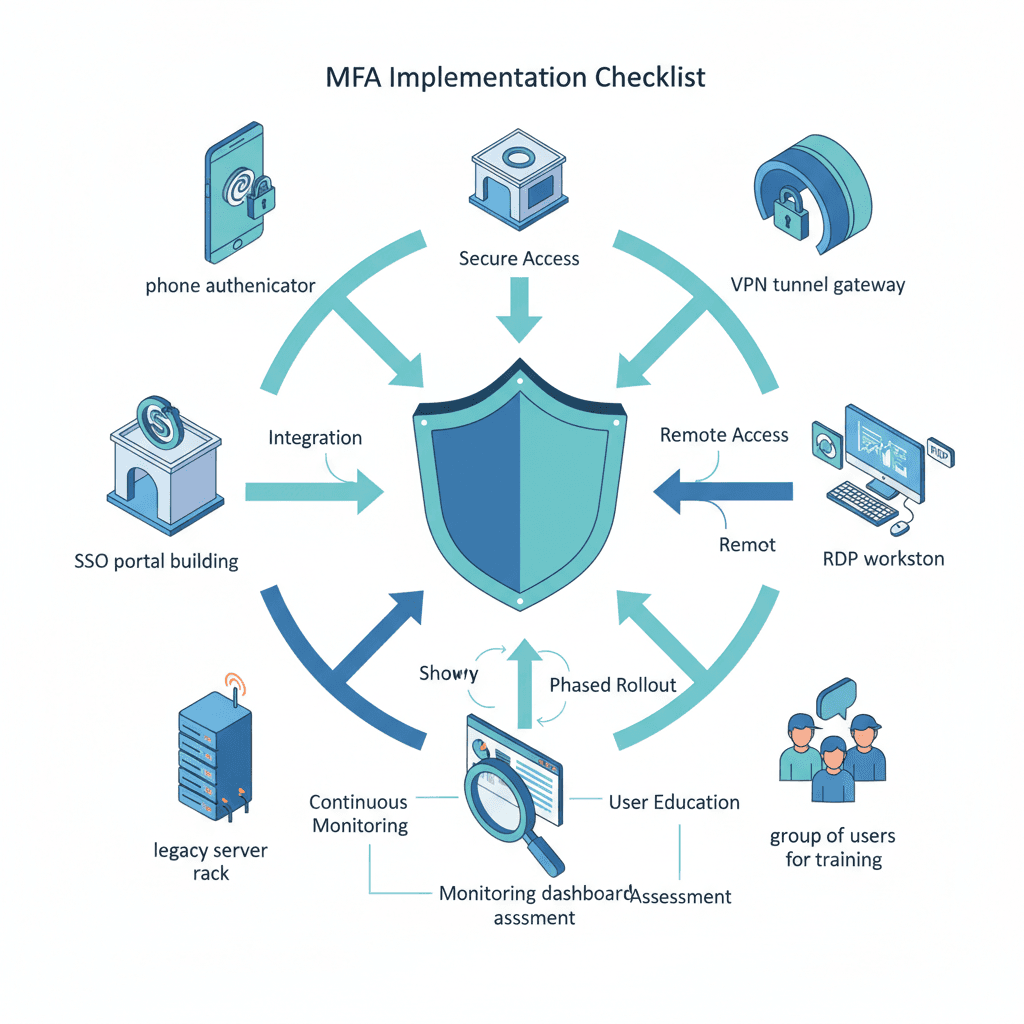
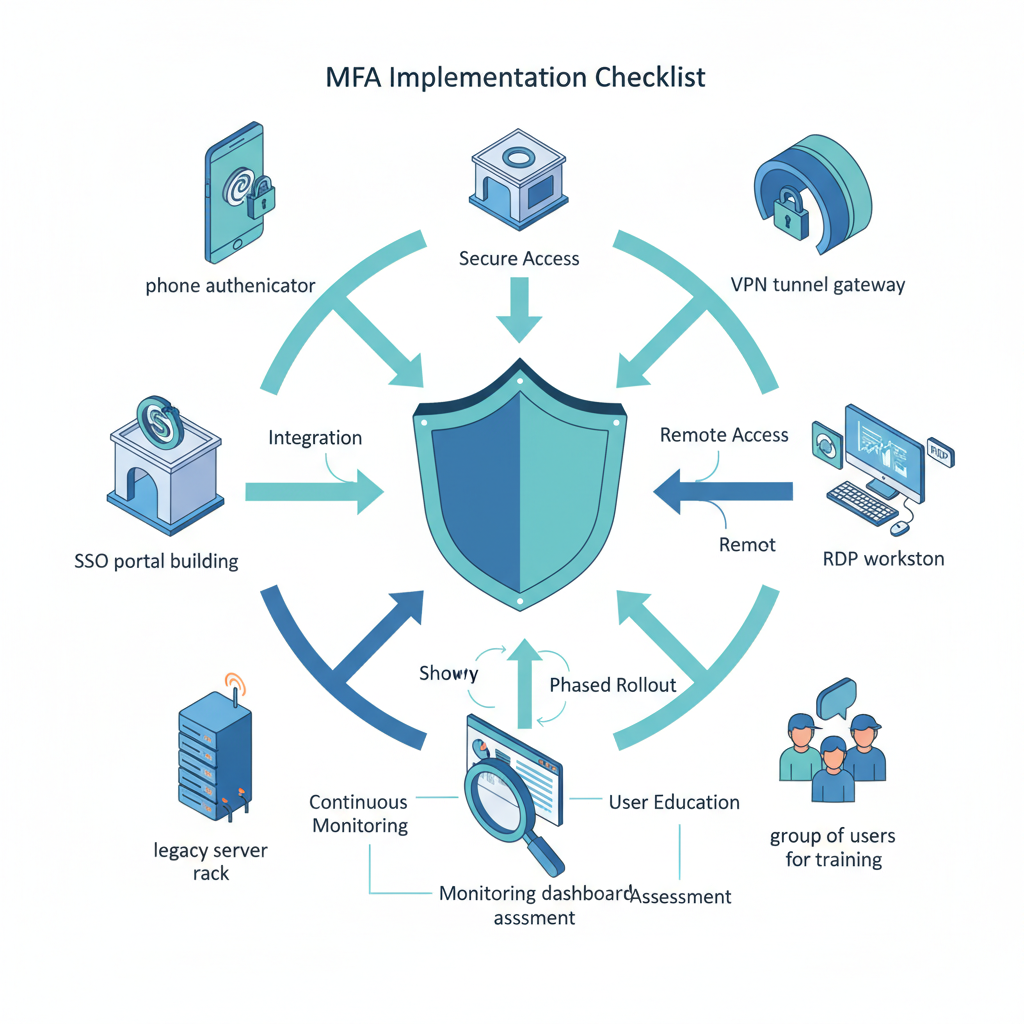
This checklist is your working rollout plan for multi-factor authentication. Start with discovery and inventory, then apply controls by priority.
- Discovery & identity inventory: list all user, admin, and service accounts; include SaaS admin portals, remote access (VPN, RDP), cloud consoles, and backup/DR tools.
- Choose methods: prefer app-based authenticators (TOTP) or push notifications for general users; require hardware security keys (FIDO2) or platform authenticators for admins; consider biometrics where supported and privacy-compliant.
- Service accounts & admin accounts: remove interactive logons from service accounts, rotate credentials on schedule, and protect admin logins with hardware keys and conditional access.
- Conditional access policies: require MFA for external logins, risky sign-ins, and access to sensitive apps; block legacy auth where possible.
| Stage | Focus | Outcome |
|---|---|---|
| Discovery | Inventory identities and access points | Complete identity map |
| Pilot | Enable MFA for a subset of users and admins | Resolve UX and exceptions |
| Rollout | Enforce MFA by policy | All interactive logins protected |
| Harden | Migrate admins to hardware keys | Phishing-resistant admin access |
Protect admin and service accounts first; they let attackers control the environment if compromised.
Integrating MFA with SSO, VPNs, RDP, and legacy systems (H3: workarounds and mitigations)
SSO simplifies MFA enforcement across SaaS apps; use your identity provider to require MFA at sign-in and for risky access. For VPNs and RDP, add MFA at the gateway (VPN concentrator) or use a jump host protected by strong MFA. Legacy systems that don’t support modern MFA require workarounds: place them behind a VPN that enforces MFA, use application proxies, or adopt RDP gateways with MFA.
Mitigations for unsupported protocols include disabling basic auth, segmenting legacy systems into isolated VLANs, and restricting access to specific trusted IPs. Where full integration isn’t possible, log and monitor access closely and use short-lived credentials or certificates where feasible.
User adoption & change management (H3: training scripts, H3: helpdesk playbook)
User friction is the top rollout blocker. Prepare simple training scripts and short walkthrough videos that show how to enroll an authenticator app, register a hardware key, and use passwordless MFA. Use plain language: what to expect, how long it takes, and how to recover.
- Training script example: "Open company portal, go to Security settings, click 'Set up authenticator', scan QR, confirm code."
- Helpdesk playbook: verify identity by at least two controls, provide temporary one-time bypass tokens with expiry, and log every override.
Track adoption by weekly progress reports and follow up with users who haven’t enrolled.
Ongoing monitoring, reporting & testing (H3: metrics to track, H3: periodic audit checklist)
Monitor authentication logs and track these metrics: percentage of accounts with MFA enabled, number of failed logins, number of risky sign-ins blocked, and overrides issued. Aim to get to 95%+ coverage for interactive accounts within the first 90 days.
Periodic audit checklist: verify admin accounts use hardware keys, review service account permissions, confirm conditional access rules are enforced, and run phishing simulations. Test recovery procedures monthly and verify backups are isolated from primary credentials to prevent ransomware targeting backups. For more on this, see Prevent ransomware nj ny.
Compliance and regional considerations (H3: NY-specific regs like NYDFS applicability, H3: breach notification touchpoints in NJ/NY)
If you handle financial data or operate under New York regulations, NYDFS 23 NYCRR 500 requires strong identity and access controls for many entities; evaluate whether your business falls under its scope. Both New Jersey and New York have breach-notification laws that require timely reporting—document your incident contacts and notification timelines in your response plan.
Include local touchpoints: maintain contact information for state breach reporting, and ensure legal counsel knows the notification thresholds. When citing guidance on authentication and risk reduction, consult sources like NIST SP 800-63B and CISA identity guidance (NIST SP 800-63B, CISA IAM guidance).
Quick implementation timeline & prioritized roadmap for SMBs
Prioritize actions over 30/60/90 days. First 30 days: inventory identities, enable MFA for all admins and remote access points. Days 31–60: roll out MFA to critical users, disable legacy auth, pilot hardware keys for admins. Days 61–90: enforce policies for all users, run phishing simulations, and verify backups are safe from credential-based attacks.
Example prioritized roadmap: 1) Admins & service desks; 2) Remote workers and VPN users; 3) Finance and HR teams; 4) Remaining staff and contractors.
Conclusion — next steps and how an MSP/MSSP can help
MFA is the highest-impact control you can deploy quickly to reduce ransomware risk. Start with an identity inventory, protect admin and service accounts with phishing-resistant authenticators, and enforce conditional access for remote logins. For hands-on help with planning, rollout, and monitoring, consider a managed provider that delivers senior-engineer-led support, 24/7 monitoring, and enterprise-grade backup and disaster recovery. See our services for capabilities and our services demo options. To discuss deployment, contact us, visit contact us, or use contact us to schedule a consultation.
References
- Digital Identity Guidelines: NIST SP 800-63B
- CISA: Identity and Access Management recommended practices
- Phishing-Resistant Authenticator Playbook
- Microsoft: What is multifactor authentication (MFA)?
FAQ
- What is mfa implementation checklist to prevent ransomware for nj & ny smbs? A practical sequence of discovery, pilot, rollout, and hardening steps that apply MFA across user, admin, and service accounts to reduce credential abuse and ransomware risk in NJ and NY SMB environments.
- How does mfa implementation checklist to prevent ransomware for nj & ny smbs work? The checklist works by inventorying identities, selecting appropriate MFA methods, enforcing conditional access, protecting admin/service accounts, and monitoring authentication events to stop account takeover and lateral movement.